Robots · Robot arms
AgileX PiPER teleoperation: leader arms, CAN control and LeRobot data collection
The PiPER puts a 6-axis arm with a published 0.1 mm repeatability within reach of almost any lab budget. Its teleoperation story is built around CAN, and that shapes everything from leader arms to remote operation.
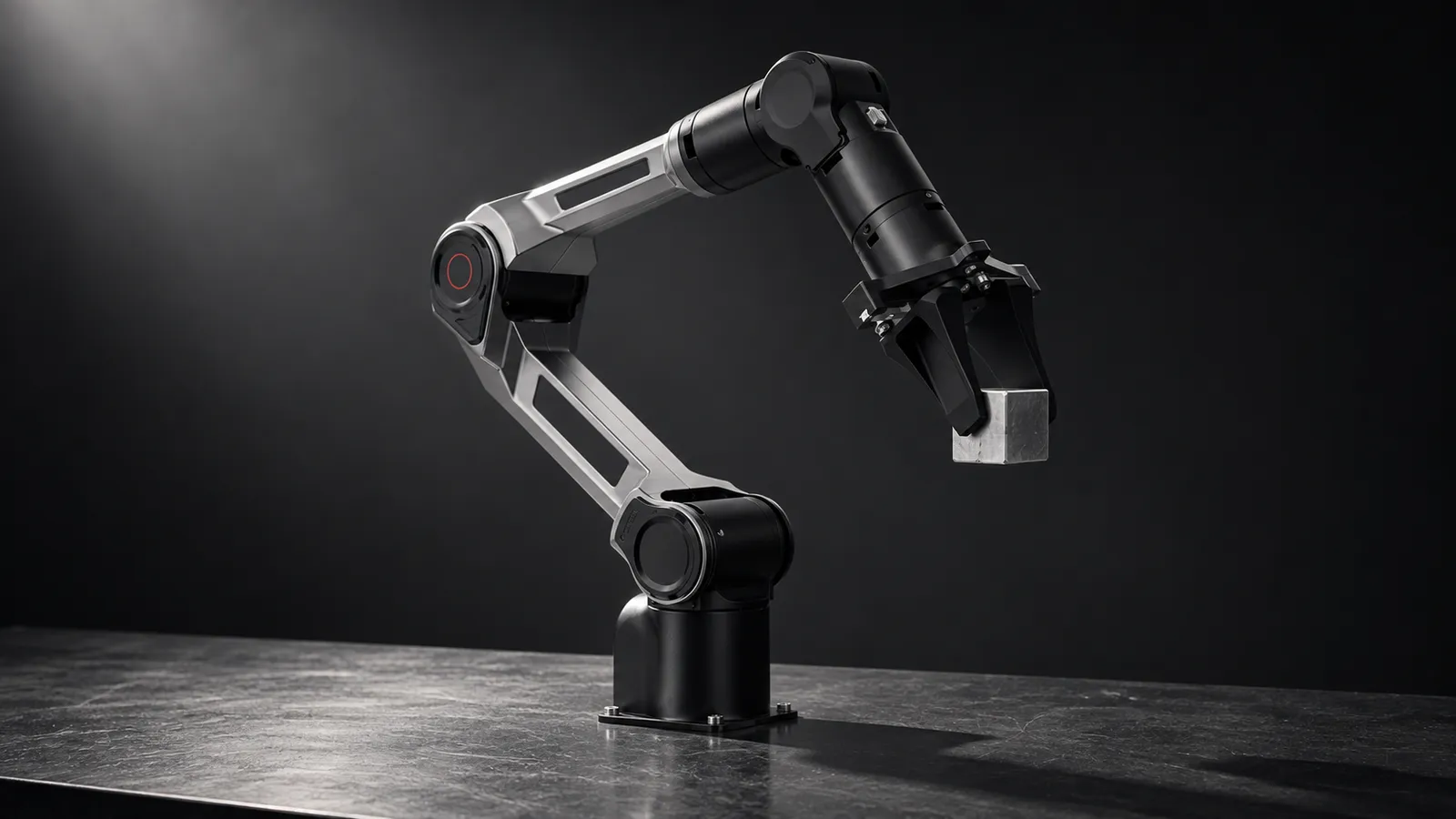
- Degrees of freedom
- 6
- Payload
- 1.5 kg
- Reach
- 626 mm
- Repeatability
- 0.1 mm
- Weight
- 4.2 kg
- Operating temperature
- -20 °C to 50 °C
- Communication
- CAN at a fixed 1 Mbps, through the arm's own USB-to-CAN module
- Software
- Python SDK (piper_sdk), ROS 1 and ROS 2
Updated
The AgileX PiPER is a 4.2 kg, 6-axis arm with a 1.5 kg payload, a 626 mm reach and a 0.1 mm repeatability spec, listed at $1,999 on AgileX's product page as of October 2026. At that price labs buy them in pairs and fours, for leader-follower rigs and bimanual setups, and PiPER datasets are easy to find on the Hugging Face Hub. Getting good data out of one depends on understanding its CAN-based control, its firmware generations, and which teleoperation path fits your task.
Four ways to drive a PiPER
A second PiPER as the leader (built-in master-slave)
AgileX Universal Master Arm (Cartesian leader)
A different leader through LeRobot
ROS 2 end-pose commands (3D mouse, VR)
CAN, firmware and other PiPER-specific gotchas
Most PiPER setup problems are CAN problems. The piper_sdk README says the SDK supports only the arm's built-in CAN module, at a baud rate of 1,000,000 that cannot be changed, and the activation helpers are Linux-only. With several arms on one PC, you identify each USB-to-CAN adapter by its USB port and give the interfaces stable names. If a send fails with "Message NOT sent" or error code 100017, the documented fix is to check the connection, power-cycle the arm and reactivate the interface.
Firmware generations matter
Unplug the leader before scripting the follower
ROS 2 starts slow
Limits are off by default
Teleoperating a PiPER from somewhere else
Built-in master-slave is local by nature: the leader talks to the follower over CAN, and a CAN bus does not stretch across the internet. For a remote operator you split the pair. On the operator's side, a PC reads the leader's control frames (the SDK exposes the master's commanded joints and gripper); those targets travel over the network; on the robot's side, a second PC sends them to the follower through the SDK, with its own limits and smoothing. The Universal Master Arm fits the same pattern, since it connects to a host over USB rather than directly to the follower.
The public PiPER dataset we use as a reference below is recorded at 30 fps, so a control step is about 33 ms. That is a tight budget for a remote operator:
Under ~50 ms round trip
~100 to 200 ms
Above ~250 ms
On the robot side, cap per-step motion (the WeGo plugin exposes a max_relative_target setting for exactly this) so a burst of delayed targets cannot become a jump. Our latency guide covers budgets by task.
LeRobot on the PiPER: two plugins, one forum lesson
LeRobot does not ship a PiPER driver itself. Its third-party robots page lists two drop-in lerobot_robot_piper plugins, and they take different approaches:
WeGo Robotics plugin
AgRobotics Research plugin
Bimanual tip: a two-leader, two-follower PiPER station means four CAN adapters on one machine, and Linux will happily renumber them after a reboot or a swapped cable. The WeGo plugin includes a script that writes udev rules pinned to each adapter's USB serial number, so can_leader1 is always the same physical arm. Do this before the first recorded episode, not after a day of mislabeled left and right arms.
A Hugging Face forum thread is worth reading before you train. A user had PiPER recording and replay working, but a fine-tuned smolVLA produced no actions at inference. The server logged a missing observation.language.tokens key and dropped repeated timesteps, and the replies point to two likely causes: no task string in the client payload, and a step counter that never incremented. The general lesson holds for any arm: test the full inference loop on a few episodes before you commit to collecting hundreds.
What PiPER data looks like
A typical example is wego-hansu/piper_pick_yellow_car: 50 episodes, 16,837 frames at 30 fps, two 640×480 cameras, and a 7-value action and state (six joint positions plus the gripper), in LeRobot v3.0 format. That layout is a sensible default. A few PiPER-specific additions make it much more useful:
Units
Leader and follower
A wrist camera
Firmware and URDF version
Our data collection guide covers episode structure and quality checks.
What a good PiPER operator does
PiPER, SO-101 or xArm?
The SO-101 is the usual entry point for LeRobot work; the PiPER is the step up when you want a published repeatability figure (0.1 mm) and a 1.5 kg payload. The xArm 6 is the next step after that: a heavier arm with more payload, Ethernet control and an industrial-style controller, at a higher price. AgileX also lists a PiPER-X and the 7-DoF NERO; check the CAN and SDK compatibility before mixing them with PiPER data.
How RoboPilots runs PiPER teleoperation
Your arms stay in your lab. We agree the input device with you (a PiPER leader, the Universal Master Arm, or another leader you already use), split the pair across a VPN with limits on the robot side, and train a dedicated group of operators on your units and your task protocol before any episode counts.
One-week trial
Coverage
Data
Interfaces, specs and sources
- piper_sdk (Python over CAN)
- piper_ros (ROS 2 Humble) + MoveIt
- Built-in master-slave leader mode
- AgileX Universal Master Arm
- LeRobot community plugins
Specs are the maker's published figures, checked on . RoboPilots is not affiliated with AgileX Robotics; product names are trademarks of their owners.
- AgileX PiPER product page
- AgileX Universal Master Arm
- piper_sdk (GitHub)
- piper_sdk dual-arm master-slave guide
- piper_ros, Humble branch (GitHub)
- LeRobot third-party robots and teleoperators
- lerobot_robot_piper, WeGo Robotics (GitHub)
- lerobot_robot_piper, AgRobotics Research (GitHub)
- Hugging Face forum: integrating a PiPER with LeRobot
- wego-hansu/piper_pick_yellow_car dataset (Hugging Face)
Frequently asked questions
- How do you teleoperate an AgileX PiPER?
- The simplest way is the built-in master-slave mode: set one PiPER as the master, the other as the slave, connect their CAN lines, and the slave follows joint for joint. AgileX also sells a Universal Master Arm that drives the PiPER through 6D pose mapping and inverse kinematics.
- Does LeRobot support the PiPER?
- Through community plugins, not a built-in driver. LeRobot's third-party page lists two lerobot_robot_piper plugins: one from WeGo Robotics with PiPER leader and follower types for up to four arms, and one from AgRobotics Research that works with an SO-101 leader.
- How much does the AgileX PiPER cost?
- The PiPER is listed at $1,999 on AgileX's own store as of October 2026. A leader-follower pair needs two arms, or one arm plus a separate leader device.
- Does the PiPER work with ROS 2?
- Yes. AgileX's piper_ros repository has a Humble branch for Ubuntu 22.04 with control, description, message, MoveIt and simulation packages. It accepts joint targets and end-effector poses on separate topics.
- Can I control the PiPER from a Mac or with any CAN adapter?
- The SDK officially supports only the arm's own CAN module at a fixed 1 Mbps, and its CAN activation tools are Linux-only. Plan on a Linux PC next to the arm.