Guide
How to collect teleoperation data for robot learning (LeRobot, RLDS, HDF5)
Policies learn what your demonstrations show them. A consistent protocol matters more than a clever interface.
Updated
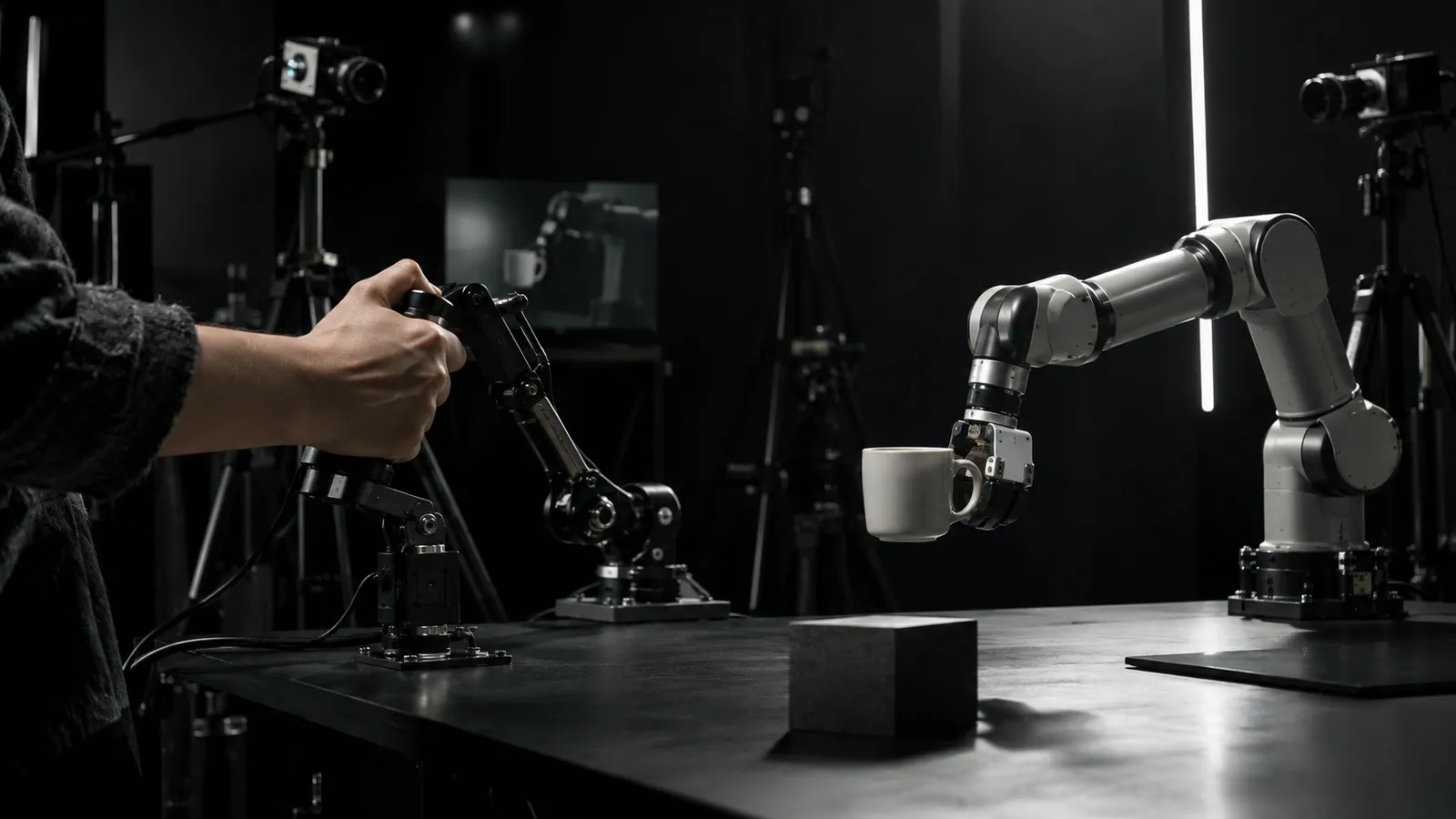
Imitation learning and vision-language-action models are trained on demonstrations: a person drives the robot through a task while every camera frame, joint position and command is recorded. The quality of that data sets the ceiling on what the policy can learn. This guide covers the decisions that matter, from the operator's interface to the file your training job loads.
Choose the interface for the task
VR headset and hand controllers
Leader arms
Gamepads and 3D mice
Pick one interface per task family and keep it fixed. Mixing interfaces inside one dataset changes the action distribution in ways that are hard to see and easy to regret.
Record everything the policy will see, and what it should do
Cameras
Proprioception
Actions
Timestamps
Metadata
Design episodes, not sessions
An episode is one attempt at one task, from a defined start state to success or failure. Write the protocol down before collection starts: the reset state, the allowed variation in object placement and lighting, the success criterion, and what the operator does when something goes wrong.
Label success and failure
Re-collect bad episodes
Vary on purpose
Keep operators consistent
How many demonstrations do you need?
Honestly, it depends on the task, the model and how much variation you need to cover. Published research systems report anywhere from tens to hundreds of demonstrations per task for single-task policies, and far more for multi-task models. Start with a pilot batch, train, evaluate on held-out setups, and let the failure modes tell you which variations to collect next.
Run collection like an operation
Data collection at scale is shift work. A few habits keep throughput up without letting quality drift.
Short shifts with breaks
A reset checklist
Daily review
Track throughput and yield
Version the protocol
Pick a delivery format
LeRobot
RLDS
HDF5
Quality checks before training
RoboPilots pilots run your robot through the task, and each session is cut into episodes, labeled by task and outcome, and delivered as LeRobot, RLDS or HDF5. Vehicle drives come back as MCAP or ROS 2 bags, tagged by scenario.
Frequently asked questions
- What is teleoperation data?
- Recordings of a person driving a robot through a task: camera frames, joint states, forces and the commands sent, synchronized in time. Robot learning models use them as demonstrations.
- Which format should I use: LeRobot, RLDS or HDF5?
- Use what your training code reads. LeRobot suits Hugging Face and PyTorch workflows, RLDS suits TensorFlow and cross-embodiment pipelines, and HDF5 is the simple, universal option.
- How many demonstrations does a task need?
- Research systems report tens to hundreds per task for single-task policies. Collect a pilot batch, evaluate, and collect more where the policy fails.
- Should failed episodes be kept?
- Keep them, but label them. They help with evaluation and some training methods, and they should never sit unlabeled among successful demonstrations.