Robots · Robot arms
FANUC CRX teleoperation: the ROS 2 streaming driver, motion control authority and remote exception handling
Many plants already run CRX cobots. FANUC's own ROS 2 driver now makes it possible to put a remote operator on one without replacing the controller, as long as you respect who has motion control at any moment.
- Axes
- 6
- Payload (CRX-10iA)
- 10 kg
- Reach (CRX-10iA)
- 1249 mm
- Repeatability (CRX-10iA)
- ±0.05 mm
- Mechanical weight (CRX-10iA)
- 39 kg
- Protection
- IP67 body and wrist
- Mounting
- Floor, angle or inverted
- Controller (CRX-10iA page)
- R-30iB Plus series
Updated
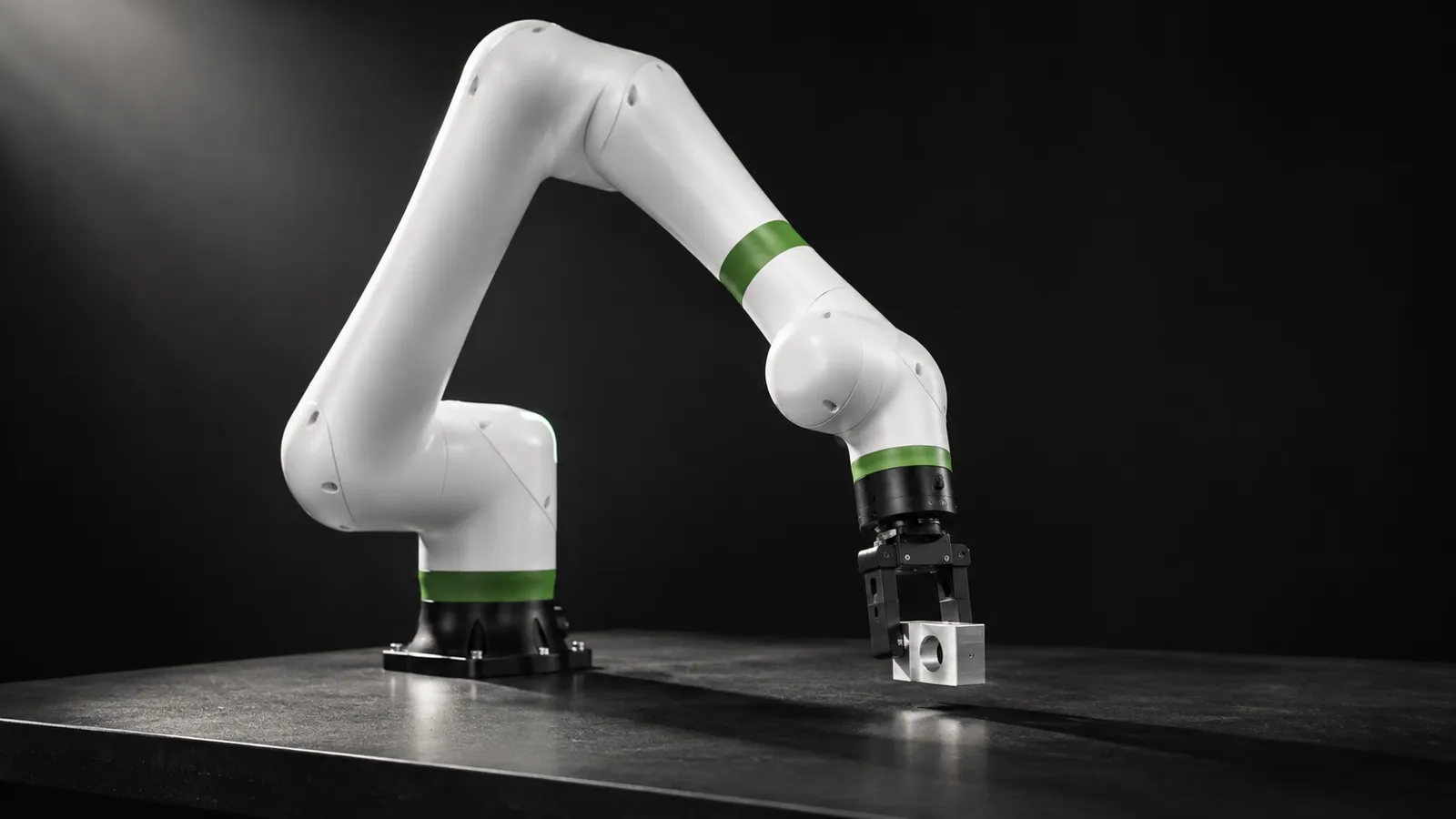
The FANUC CRX is a family of 6-axis collaborative robots. The CRX-10iA, the model most people mean, carries 10 kg over a 1249 mm reach with ±0.05 mm repeatability, weighs 39 kg and is rated IP67, per FANUC's product page. CRX arms are bought to run programs, not to collect datasets, so teleoperating one usually means something specific: a remote operator who resolves the exceptions that stop a cell, while FANUC's controller and its safety functions stay in charge. Until recently that took custom integration. FANUC's own ROS 2 driver changes that.
What you need on the controller
The FANUC ROS 2 driver is an Apache-2.0, ros2_control streaming driver, on Jazzy with a Humble branch. Its system requirements are specific, and they are the first thing to check against your installed base:
Controller
Software options
Controller software version
PC
The supported models list covers the CRX-3iA, 5iA, 10iA, 10iA/L, 10iA/L Paint, 20iA/L and 30iA (CRX-25iA), each with its R-50iA equivalent name and a URDF, plus FANUC's LR Mate, M and R series industrial robots. Before a trial, collect the same five facts for every cell you want covered: robot model, controller model, controller software version, installed options (J519 and R912, or S636), and the cameras and network path available. Cells that miss an option or a software version need an upgrade conversation with FANUC or your integrator first, and it is better to find that out before the operators are trained.
Motion control authority: the core of a safe hand-over
The single most important page in FANUC's driver documentation for remote operation is the one on motion control authority. At any moment either the ROS driver or the robot controller has motion control, reported by a motion_possible flag. When it is true, ROS commands motion. When it is false, the controller does, though I/O and status access keep working.
ROS only gets control under strict conditions
Any alarm takes control back
Hand guiding needs care
That maps cleanly onto exception handling. The production TP program runs. When it hits an exception it cannot handle, it ends at a known state; the cell signals for help; the driver takes motion control; the remote operator resolves the problem; motion control returns to the controller and the program restarts. Typical exceptions are a part that did not seat in a fixture, a regrasp after a missed pick, a box on a pallet that needs nudging, or a jammed fixture that needs a part cleared before anyone on site goes near it. Our warehouse and factory page covers this operating model.
Streaming, RMI and the controllers you can use
Scaled joint trajectory controller
Forward position controller
RMI controller
GPIO and force sensor
Two FANUC-specific traps: the general override must stay at 100 while the hardware interface is active, so speed is reduced through the speed scaling input rather than the pendant override; and on collaborative robots, calling the payload service ends Stream Motion and RMI. Set payloads before handing control to a remote operator, not during.
Smooth commands or vibration
A driver issue on a CRX-25iA with an R-30iB Mini Plus reported vibration and overshoot at the end of MoveIt trajectories streamed through the scaled joint trajectory controller, while the same moves from a TP program were smooth. The maintainer's answer was that the controller smooths commands automatically but MoveIt may not respect the robot's practical acceleration and jerk limits, so trajectories need to be generated within them. The issue remained open when we checked. For teleoperation the lesson is the same as on other arms: never stream an operator's raw input. Filter it, limit velocity, acceleration and jerk on the PC next to the robot, and prefer RMI-style planned moves when the operator's link is slow.
Latency for remote exception handling
Under ~100 ms round trip
~100 to 250 ms
Above ~250 ms
Collaborative speed clamping reduces speed before the limit is reached, so the arm can move more slowly than commanded; leave it on for remote work unless your risk assessment says otherwise. Our latency guide covers budgets by task.
Safety with a remote operator
The controller decides
The pendant is a safety device
Restarts follow the site procedure
Locked outputs
Data from CRX cells
LeRobot has no FANUC driver, and no FANUC plugin appears on its third-party robots page. The same page lists two ROS 2 bridges, leros2 and lerobot_robot_ros2_zenoh, which sit naturally beside FANUC's ROS 2 driver. For most plants, the valuable data is the exception log itself: what went wrong, the camera views, joint states, force data where available, the operator's recovery and whether the program resumed. Recorded consistently, that log shows which exceptions to engineer out of the cell and which ones a learned policy could take over.
What a good CRX operator does
CRX or UR?
Many lines run both. The UR10e is driven through UR's External Control URCap, while the CRX uses Stream Motion and RMI with an explicit motion-control flag. The operating model is the same, controller in charge and hand-over at defined points, but the mechanics differ, so operators need training on each.
How RoboPilots runs CRX exception handling
The cell stays as your integrator built it. We work with you and whoever owns the cell's safety to confirm controller software and options, define the exception points and hand-over logic, choose streaming or RMI for each exception type, and decide who may restart after an alarm. Then we train a dedicated group of operators on your unit and your procedures before they take a live exception.
One-week trial
Coverage
Data
Interfaces, specs and sources
- FANUC ROS 2 driver (Stream Motion)
- Remote Motion Interface (RMI)
- MoveIt 2
- Tablet Teach Pendant
- GPIO and register access
- LeRobot via ROS 2 bridges
Specs are the maker's published figures, checked on . RoboPilots is not affiliated with FANUC; product names are trademarks of their owners.
- FANUC CRX-10iA product page
- FANUC Remote Motion Interface
- FANUC ROS 2 driver (GitHub)
- FANUC ROS 2 driver docs: system requirements
- FANUC ROS 2 driver docs: supported models
- FANUC ROS 2 driver docs: overview and controller versions
- FANUC ROS 2 driver docs: motion control authority
- FANUC ROS 2 driver docs: controller usage
- fanuc_driver issue #60: end-of-trajectory vibration and overshoot
- LeRobot third-party robots and teleoperators
Frequently asked questions
- Does FANUC have an official ROS 2 driver for the CRX?
- Yes. FANUC publishes fanuc_driver, an Apache-2.0 ros2_control streaming driver for Jazzy and Humble, with URDFs for the CRX-3iA through CRX-30iA. It needs J519 Stream Motion and R912 Remote Motion, or the S636 package that includes both.
- Which FANUC controllers work with the ROS 2 driver?
- The R-30iB Plus series (Plus, Mate Plus and Mini Plus) and the R-50iA series, at minimum software versions V9.40P/81, V9.40P/77 for Mini Plus, and V10.10P/26 for R-50iA.
- What is the FANUC Remote Motion Interface?
- RMI lets an external PC, PLC or vision system send TP-style motion instructions to the controller over TCP/IP with JSON messages, while FANUC's motion planner handles blending and acceleration. It suits supervisory remote control better than raw streaming.
- Can a remote operator override the CRX safety system?
- No. The ROS driver only gets motion control in AUTO mode with alarms cleared and the pendant disabled, and any alarm returns control to the controller. Safety functions stay on the controller.
- What are the CRX-10iA specifications?
- FANUC lists 6 axes, 10 kg payload, 1249 mm reach, ±0.05 mm repeatability, 39 kg mechanical weight and IP67 protection.