Robots · Robot arms
Kinova Gen3 teleoperation: high-level twist or 1 kHz low-level, leader arms and LeRobot data
The Gen3 is light enough to put on a mobile base or a wheelchair and open enough to control at 1 kHz. For teleoperation, the first decision is which of its two control layers to talk to, and most teams pick the wrong one first.
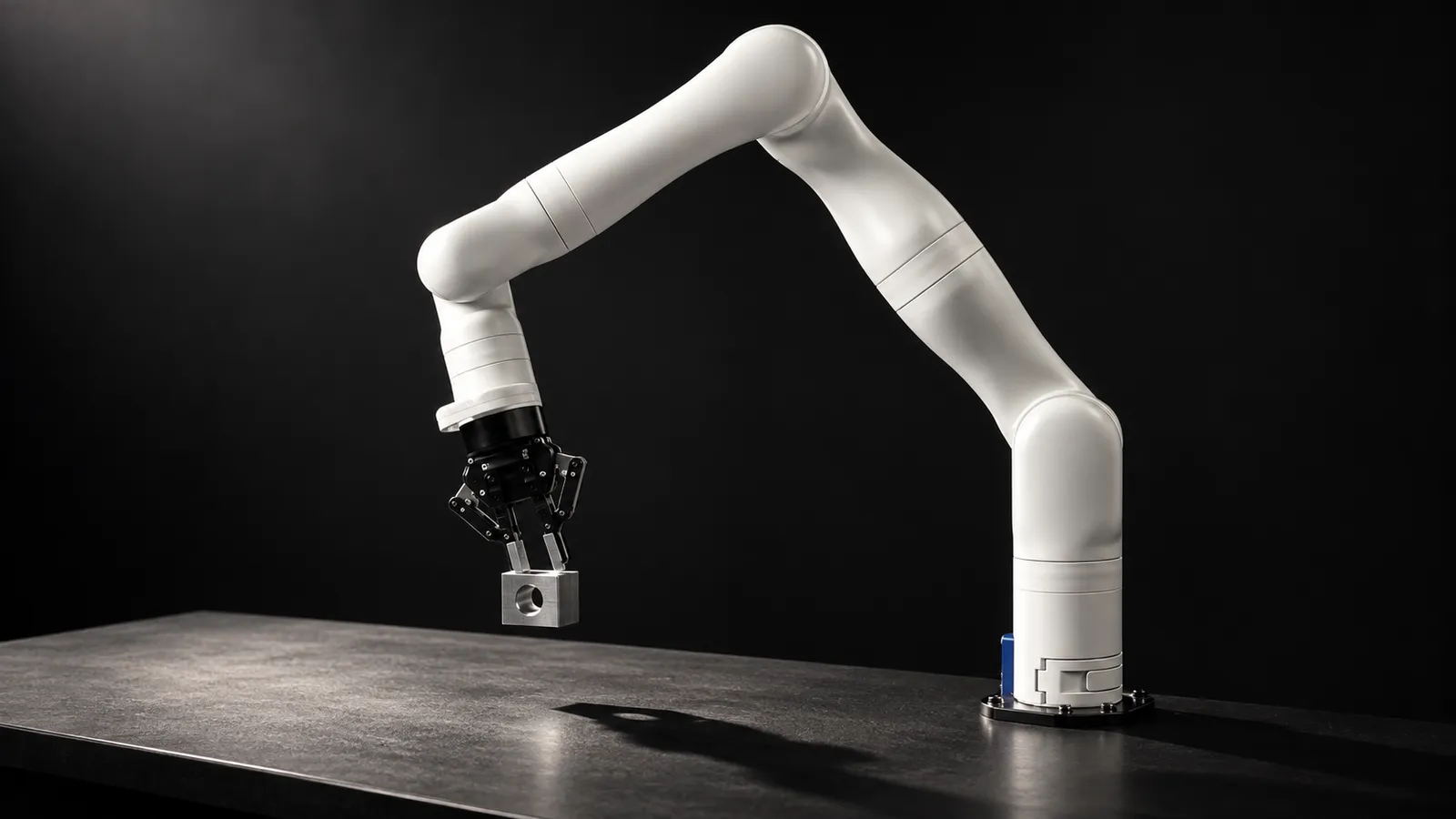
- Degrees of freedom
- 7 (6-DoF version available)
- Payload
- 4.0 kg mid-range, 2.0 kg full-range (continuous, no gripper)
- Maximum reach
- 902 mm
- Total weight
- 8.2 kg (7-DoF); 7.2 kg (6-DoF)
- Max Cartesian speed
- 50 cm/s
- Control system frequency
- 1 kHz
- Actuator sensors
- Torque, position, current, voltage, temperature, accelerometer, gyroscope
- Optional vision module
- Color up to 1920×1080 at 30 fps; Intel RealSense depth up to 480×270 at 30 fps
Updated
The Kinova Gen3 is a 7-axis arm that weighs 8.2 kg, reaches 902 mm and carries 4 kg in its mid-range (2 kg across its full range), with torque sensors in every actuator and an optional wrist vision module. Per Kinova's spec sheet, it runs on 24 VDC at 36 W average power, which is why it turns up on mobile bases and in assistive research as often as on lab benches. Teleoperating it well starts with understanding that the Gen3 has two very different control layers.
High-level or low-level: pick the right layer
Kinova's Kortex API, in C++ and Python, exposes both. High-level control accepts Cartesian and joint positions or velocities, forces and torques, and the arm's own base controller handles the trajectory. Low-level control talks to the actuators directly at the 1 kHz system frequency, in position, velocity, current or torque.
Low-level mode is tempting for teleoperation because it sounds fast. In practice it is the wrong layer for a remote operator. In a Kortex GitHub thread, a Kinova maintainer explained that low-level servoing expects a command every millisecond: it tolerates some jitter, but "a 100Hz command rate will not work." In that mode only actuator-level safeties remain active, and collisions between non-consecutive links are not avoided. The Kortex inverse kinematics call goes through the base over TCP and is "simply not designed for real-time application"; the user in that thread measured about 20 ms per call. A "following error" safety stays active in every mode, so the position field must always hold a sensible value, usually the last feedback.
Rule of thumb: a person, a VR headset or a policy produces targets at 10 to 40 Hz. Send those to the Gen3's high-level layer (twist or joint velocity commands) and let the base controller smooth them. Use low-level servoing only for a local, real-time controller you write yourself, in C++ on a real-time OS, and never put the network inside that loop.
Ways to drive a Gen3 remotely
Twist control through ros2_kortex
TACTIC leader arm (joint-space)
Kinova's web app and gamepad control
Latency and control rate for a remote operator
Because high-level commands are smoothed by the arm's own controller, the Gen3 tolerates network delay better than a raw servo interface does. The limit is the operator, not the arm. At a 20 Hz record rate each step is 50 ms:
Under ~50 ms round trip
~100 to 200 ms
Above ~250 ms
On a mobile base, the network is usually Wi-Fi or cellular, so jitter matters as much as average latency. Keep the client on the robot's side of a VPN and have it stop the arm if commands stop arriving. Our latency guide covers budgets by task.
ros2_kortex quirks worth knowing
Gripper under twist control
Firmware and API versions
Kinematics need calibration
Torque sensing and compliant teleoperation
Every Gen3 actuator measures torque, and high-level control accepts force and torque targets as well as positions and velocities. That makes the arm attractive for contact-rich and assistive teleoperation, where the operator should feel or at least respect contact. It also comes with a learning curve. In another Kortex thread, a user streaming torques computed in MATLAB found that commanding the torque the arm already read at rest seemed to add to it. Kinova's maintainer explained that the torque controller drives the sensor reading toward the commanded value, that noise means you need a closed loop around it for reliable behavior, and that MATLAB has real-time limitations, so C++ is the better host. He pointed to a compliant torque controller published by the EmPRISE Lab as a working reference. For remote operators, the practical version is simpler: keep the operator on velocity or twist commands, and put any compliance in a local controller next to the arm.
Mobile and assistive setups
Power
Connectivity
Environment
Getting Gen3 data into LeRobot
There is no Gen3 driver in LeRobot, and no Kinova plugin on its third-party robots page. That leaves three routes:
Write a Robot class on the Kortex Python API
Bridge ros2_kortex
Record ROS 2 bags, convert later
Public Gen3 data in LeRobot format is still thin. One example, rdoshi21/kinova-pick-place, has 50 episodes at 10 fps with a wrist and a top camera at 640×480 and an 11-value state and action vector, in LeRobot v2.1. If you have the vision module, record its color stream as the wrist camera and its depth as a separate stream. Our data collection guide covers episode structure.
What a good Gen3 operator does
Gen3, Gen3 lite or another 7-axis arm?
The Gen3 lite is a smaller 6-DoF sibling that the Kortex API also supports and that ros2_kortex drives in 6 DoF only; check its specifications separately rather than assuming Gen3 numbers. Against the Franka Research 3, the Gen3's 8.2 kg weight and 24 VDC supply make it the easier arm to put on a mobile base or an assistive platform, while the Franka is built around its 1 kHz FCI for tabletop research. The xArm 7 is the budget 7-axis option.
How RoboPilots runs Gen3 teleoperation
The arm stays where it is, on a bench, a mobile base or an assistive platform. We agree the input device and control layer with you (high-level twist from a 3D mouse or VR, or a joint-space leader such as TACTIC), install the operator client on your side of a VPN, and train a dedicated group of operators on your unit and your task protocol before any recorded episode counts.
One-week trial
Coverage
Data
Interfaces, specs and sources
- Kortex API (C++, Python)
- ros2_kortex + MoveIt 2
- Twist control (gamepad, 3D mouse)
- TACTIC leader arm
- Web app and Xbox controller
- LeRobot via ROS 2 bridges
Specs are the maker's published figures, checked on . RoboPilots is not affiliated with Kinova; product names are trademarks of their owners.
- Kinova Gen3 technical specifications (Kinova)
- Kinova Kortex API (GitHub)
- ros2_kortex (GitHub)
- Kortex issue #211: 1 kHz control loop and inverse kinematics
- Kortex issue #218: Gen3 teleoperation
- ros2_kortex issue #312: gripper under twist_controller
- TACTIC Gen3 leader arm (Cornell EmPRISE Lab)
- LeRobot third-party robots and teleoperators
- leros2: ROS 2 to LeRobot bridge (GitHub)
- rdoshi21/kinova-pick-place dataset (Hugging Face)
Frequently asked questions
- How do you teleoperate a Kinova Gen3?
- Send high-level twist or joint velocity commands, either through the Kortex API or the ros2_kortex twist controller, from a gamepad, 3D mouse, VR controller or a leader arm such as Cornell's TACTIC. The arm's base controller smooths the targets.
- Should I use Kinova low-level control at 1 kHz for teleoperation?
- Usually not. Low-level servoing expects a command every millisecond, keeps only actuator-level safeties, and does not avoid collisions between non-consecutive links. It is meant for real-time controllers running next to the arm, not for remote operators.
- Does LeRobot support the Kinova Gen3?
- There is no built-in driver and no Kinova plugin on LeRobot's third-party list. Teams write a small Robot class on the Kortex Python API or bridge ros2_kortex to LeRobot with a ROS 2 bridge such as leros2.
- Is there a leader arm for the Kinova Gen3?
- Yes. TACTIC from Cornell's EmPRISE Lab is an open-hardware leader that mirrors the Gen3 7-DoF joint for joint, with vendor parts listed at about $279 and joint velocities mapped to the robot at 40 Hz.
- What payload does the Kinova Gen3 carry?
- Kinova specifies 4.0 kg continuous in mid-range and 2.0 kg across the full range, both without a gripper, with a maximum reach of 902 mm.