Robot learning
How to Build a LeRobot Dataset with Teleoperators (SO-101, Koch, ALOHA)
The record command, episode design, the v3 file layout and the checks to run before you train, plus when extra operators pay off.
- lerobot data collection
- lerobot dataset
- teleoperation data
- SO-101
- imitation learning
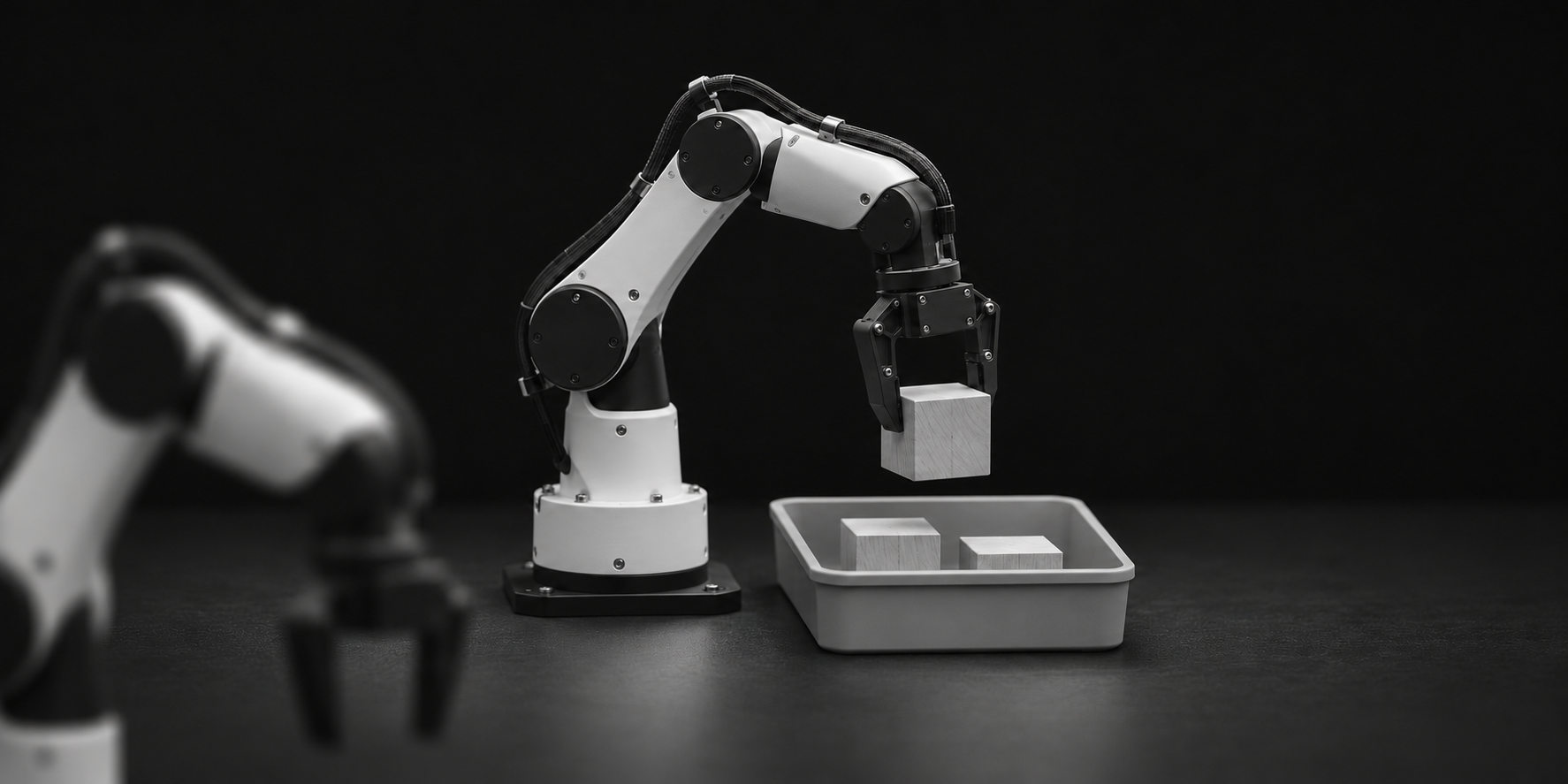
To build a LeRobot dataset you teleoperate a follower arm with a leader arm while `lerobot-record` saves every episode as synchronized joint data and camera video. The command is short. The work is in episode design, consistent technique and checking what you recorded before you train on it. This guide follows the Hugging Face LeRobot documentation (read on November 3, 2026), adds the arithmetic for planning a collection run, and says plainly when it makes sense to hire operators instead of doing it yourself.
What do you need before the first episode?
LeRobot treats the leader arm as the teleoperation device and the follower as the robot. On an SO-101 the follower uses six STS3215 motors with 1/345 gearing, while the leader uses three different gear ratios so that it can hold its own weight and still move with little force, according to the LeRobot SO-101 guide. Both arms must be calibrated so that the same physical pose gives the same position values on each. Give every arm an `id` and keep it: the docs say the `id` stores the calibration file, and you should use the same one when you teleoperate, record and evaluate.
Calibrated, named arms.
Fixed cameras.
A Hugging Face write token.
One sentence for the task.
Other arms follow the same loop: only the robot and teleoperator configuration changes. The Koch v1.1 page and the ALOHA Stationary AI page cover the hardware side. Confirm that your arm is supported in the LeRobot version you install, because type names and flags change between releases.
How do you record a dataset with lerobot-record?
The documented SO-101 example is one command. These are the parts you will actually edit:
The pair.
The cameras.
The dataset.
The pacing.
While it runs, the keyboard drives the session. Right arrow or `n` ends the current episode or the reset early. Left arrow or `r` cancels the current episode and records it again. Escape or `q` stops the session, encodes the videos and uploads the dataset. If a run is interrupted, start the same command again with `--resume=true`. On a resume, `--dataset.num_episodes` is the number of additional episodes, not the total, and `--dataset.root` must point to a local path. The full flag list is in the LeRobot recording guide.
How many episodes does a first dataset need?
For a starter task, the LeRobot docs suggest grasping an object at different locations and placing it in a bin, with at least 50 episodes and 10 per location. They also say to keep the cameras fixed, keep the grasping behavior consistent and make sure the object is visible in the camera images. Add variation, such as new grasp locations, different grasping techniques or moved cameras, only after the policy grasps reliably. The docs warn that adding too much variation too quickly can hurt results.
Plan the time before you book the robot. At the defaults, 50 episodes take 50 x (60 s + 60 s) = 6,000 seconds, which is 100 minutes of wall-clock time before a single retake. If your task takes less than 60 seconds, set `--dataset.episode_time_s` to the real task length and end episodes early with the right arrow. Retakes are not free either: every cancelled episode costs its recording time again.
Worked example, with made-up numbers: an operator records 120 episodes in a 4-hour block and 90 of them pass review. That is 90 / 4 = 22.5 clean episodes per operator hour. If review rejects half of the 120, the same block gives 15. Track this number per operator and per task, not the raw count of episodes recorded.
What does a LeRobot dataset look like on disk?
LeRobotDataset v3.0 keeps three kinds of data apart. Low-dimensional, high-frequency signals such as states, actions and timestamps are stored in Apache Parquet. Camera frames are concatenated and encoded into MP4 files, sharded per camera. Metadata describes the schema, frame rates, normalization statistics and where each episode starts and ends. The simplified layout is `meta/info.json` (schema, FPS and path templates), `meta/stats.json` (mean, standard deviation, min and max per feature), `meta/tasks.jsonl` (task text mapped to integer ids), `meta/episodes/` (per-episode lengths, tasks and offsets), `data/` (the Parquet shards) and `videos/` (the MP4 shards). Version 3 is included in `lerobot` 0.4.0 and later, per the dataset v3 documentation.
Two practical consequences. First, many episodes share one file, so you cannot judge a dataset by counting files: read the episode metadata. Second, if you write a dataset with the Python API, call `dataset.finalize()` before `push_to_hub()`. The docs say that without it the Parquet files are left incomplete and the dataset will not load. Images are stored without transforms, and augmentation is applied at training time, so you can try different augmentations without recording again. If your training stack needs RLDS or HDF5 instead, conversion is a separate step; our guide to teleoperation data for robot learning covers how to choose a delivery format.
What should you check before you train on it?
Replay one episode.
Look at every camera.
Count by condition.
Check the task text.
Separate the retakes.
If you cannot do the task from the camera images alone, change the camera positions before you record more.
When does it make sense to add operators?
One pair of arms, one task and 50 episodes is a job to do yourself, because you learn what a good episode looks like. The trouble starts at scale: the same technique across several people, coverage across time zones, and several arm pairs recording at once. The SO-101 page on this site puts it this way: getting one pair to record is a weekend, and getting hundreds of consistent episodes out of several pairs is an operations problem.
That is the problem RoboPilots works on. We train a dedicated group of operators on your own robot and your task protocol, run shifts across time zones including US Pacific, and deliver LeRobot datasets, or RLDS or HDF5 if your stack needs them. We offer a one-week trial that sets a baseline of clean episodes per operator hour on your unit, so you can compare it with your own number from the worked example above. Our comparison of teleoperation providers lists the other options, including doing it in-house, and discloses that we wrote it.
Frequently asked questions
- How many episodes do I need for a first LeRobot dataset?
- The LeRobot documentation suggests at least 50 episodes for a starter grasp-and-place task, with 10 episodes per object location. Keep the cameras fixed and the grasping behavior consistent. Treat 50 as a floor for a first policy test, not a target for a useful one, and add variation slowly once the first policy works.
- What file format does LeRobot use?
- LeRobotDataset v3.0 stores low-dimensional signals such as states, actions and timestamps in Apache Parquet, camera frames in MP4 files, and the schema, statistics, task text and episode boundaries in metadata files under meta/. Many episodes share one Parquet or MP4 file, and the metadata tells the loader where each episode starts and ends.
- Can I resume a recording that stopped halfway?
- Yes. Re-run the same lerobot-record command with --resume=true and set --dataset.root to a local path. When you resume, --dataset.num_episodes means the number of additional episodes you want, not the total you are aiming for. To start over from scratch, delete the dataset directory by hand.
- How do I know if my episodes are good enough?
- Replay one with lerobot-replay and check that the robot repeats the motion, then open the dataset in the Hugging Face visualizer and look at every camera. The LeRobot rule of thumb is that you should be able to do the task yourself from the camera images alone. If you cannot, change the camera positions before recording more.
- Does RoboPilots collect LeRobot datasets for customers?
- We train a dedicated group of operators on your robot and your task protocol, and deliver data as LeRobot datasets, or RLDS or HDF5 if your training stack needs them. We offer a one-week trial that sets a baseline of clean episodes per operator hour on your own unit, so you can judge the quality before committing.
Humanoid
No commitment. Your quote arrives within one business day.
Related Articles
Questions about this article?