Teleoperation
Robot Teleoperation Interfaces Compared: Leader Arms, VR, Gloves, 3D Mouse
What each input device is good at, what the public papers show, and how to pick one for a data collection project
- teleoperation interface
- leader arm teleoperation
- VR robot teleoperation
- robot data collection
- GELLO
- LeRobot
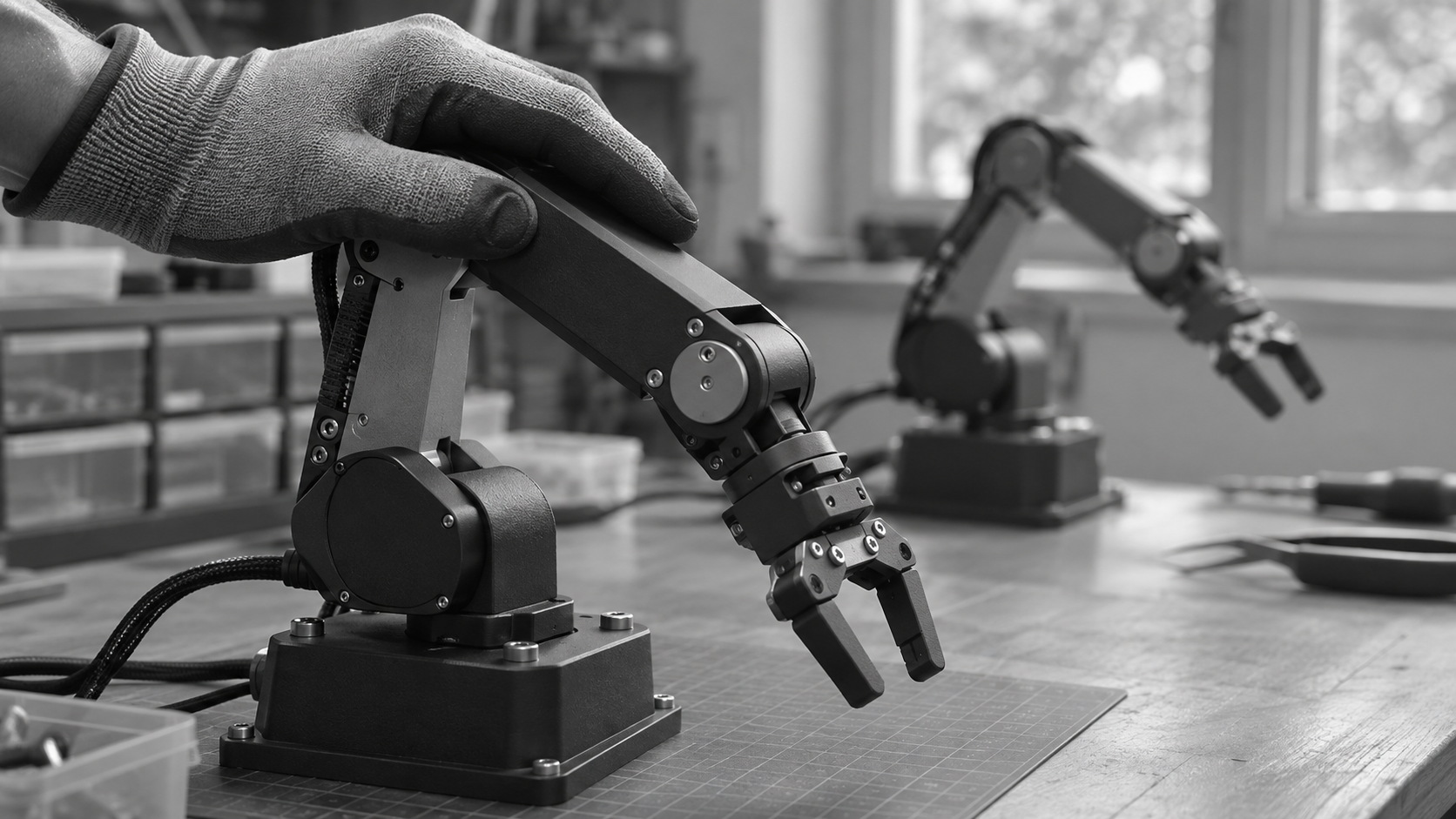
There is no single best interface for robot teleoperation. A leader arm copies joint motion, a VR headset adds the operator view and mirrors arm and hand movements, a mocap glove captures fingers, and a 3D mouse or keyboard drives the end effector. This guide compares them using public papers and documentation we read on November 10, 2026.
What does the interface decide in robot learning?
In imitation learning the policy copies what the demonstrations show, so the interface shapes the data. It decides how natural the motion is, how quickly an operator finishes an episode, and what the recorded action looks like. The Hugging Face LeRobot documentation says that during data collection you use a teleoperation device, such as a leader arm or keyboard, to control the robot and record its motion trajectories. Its home page adds a phone to that list.
That makes the interface choice a data quality decision as much as a hardware one. Our guide on teleoperation data for robot learning puts it plainly: a consistent protocol matters more than a clever interface. The rest of this page covers what each device does and what public sources show about it.
How do leader arms work, and what does the evidence show?
A leader arm is a second arm that the operator moves by hand. Its motion is read and sent to the follower robot. The LeRobot imitation learning tutorial uses this pattern with the SO-101: a follower arm and a leader arm, each on its own port, started with one teleoperate command. That command also starts calibration when a calibration is missing, and the same id must be reused when you record and evaluate.
The best known research example is GELLO, by Philipp Wu, Yide Shentu, Zhongke Yi, Xingyu Lin and Pieter Abbeel, first submitted on September 22, 2023. The project page describes GELLO as a scaled, kinematically equivalent replica of a given target arm, so you control the target by moving the replica directly. The authors built versions for Franka, UR5 and xArm arms, and the project page says the parts cost less than $300.
In their user study, the authors report that GELLO gave consistently faster completion times than virtual reality controllers and 3D spacemouses. Because the device is a replica of one arm geometry, each target arm needs its own matching leader. That is a real constraint if you collect data on several robot models.
The GELLO user study was run by the people who built GELLO, on specific tasks and arms. Treat its result as a reason to test on your own task, not as a ranking of devices.
What do VR headsets and hand tracking add?
A headset changes what the operator sees as well as what they control. Open-TeleVision, by Xuxin Cheng, Jialong Li, Shiqi Yang, Ge Yang and Xiaolong Wang, was submitted on July 1, 2024. The abstract describes an immersive system that lets operators perceive the surroundings of the robot in a stereoscopic manner, while the system mirrors the arm and hand movements of the operator on a humanoid robot.
The authors validated it on four complex tasks: can sorting, can insertion, folding and unloading, and say the system is open source. A stereoscopic view also means the robot side has to supply a stereo camera feed, so this is a camera decision as much as an input decision.
When does a mocap glove make sense?
With a glove, the fingers of the operator are the input. DexCap, by Chen Wang, Haochen Shi, Weizhuo Wang, Ruohan Zhang, Li Fei-Fei and C. Karen Liu, was submitted on March 12, 2024. The abstract describes a portable hand motion capture system that combines SLAM and electromagnetic field tracking with 3D observations of the environment, paired with an algorithm that uses inverse kinematics and point cloud based imitation learning to replicate human actions with robot hands.
The authors evaluated it on six dexterous manipulation tasks. The point of a glove is dexterity, so it matters when the robot has a hand with fingers. For a two finger gripper there are far fewer degrees of freedom to capture, and in our reading a glove is then more input than the task needs.
What about 3D mice, gamepads, keyboards and phones?
These are the low cost end. The robosuite simulation framework lists four supported input devices in its documentation: a keyboard, a 3Dconnexion SpaceMouse, a Sony DualSense controller and a MuJoCo GUI device. For the SpaceMouse it says that twisting the mouse about an axis rotates the arm about the corresponding axis, so one device covers translation and rotation of the end effector.
LeRobot carries one practical limit for the keyboard: keyboard teleoperation needs a global key backend, so it works on an X11 session, a Windows desktop, or macOS with Accessibility and Input Monitoring granted, and not on Wayland or headless sessions. These devices need no custom hardware. The GELLO study found a leader replica faster than 3D spacemice and VR controllers, so budget for slower episodes and measure it.
How do the interfaces compare side by side?
Leader arm
VR headset with hand tracking
Mocap glove
3D mouse, gamepad, keyboard, phone
How do you choose an interface for a data collection project?
Start from the robot, not from the device. Then answer these questions before you buy anything:
What does the robot have?
Who operates it?
What does the operator see?
Where is the operator?
What does your training stack expect?
Choose the interface that fits the robot, then standardize it for every operator and every episode.
Why does a consistent protocol matter more than the device?
The LeRobot tutorial advises keeping the cameras fixed and maintaining consistent grasping behavior throughout the recordings, and avoiding too much variation too quickly. Those rules apply whatever device you hold. Our guide advises picking one interface per task and keeping to it, so every episode in a batch looks the same to the policy.
ALOHA shows how little data a good setup can need. The paper by Tony Zhao, Vikash Kumar, Sergey Levine and Chelsea Finn, submitted on April 23, 2023, reports learning tasks such as opening a translucent condiment cup and slotting a battery with 80 to 90 percent success from only 10 minutes of demonstrations. The project page says the system was built on a $20k budget.
Does the interface matter when operators are remote?
It matters more, because delay is added to every motion. Our robot arm teleoperation page says coarse pick-and-place stays workable to roughly 200 to 300 ms round trip, while contact-rich or sub-millimetre tasks degrade quickly above about 50 to 100 ms. Our latency guide adds that a steady 150 ms is easier to work with than a delay that swings between 60 and 400 ms.
So test each candidate interface over the real network path before you compare devices. A device that feels fine beside the robot can behave differently across a long connection.
How does RoboPilots handle the interface question?
We train a dedicated group of operators on the robot and task protocol of each customer, and we offer a one-week trial that sets a baseline in clean episodes per operator hour. That baseline is the number to compare across interfaces. If you are weighing outside help, our checklist for choosing a teleoperation provider lists twelve questions to ask, and it discloses that we wrote it.
Frequently asked questions
- What is the best interface for robot teleoperation?
- There is no single best one. The GELLO authors report their leader-arm replica gave faster completion times than VR controllers and 3D spacemouses in their user study. Open-TeleVision targets humanoids with an immersive view, and DexCap targets robot hands. Match the device to your robot and task, then measure clean episodes per operator hour for a week.
- What is a leader arm in robot teleoperation?
- A leader arm is a second arm that a person moves by hand while a follower robot copies its motion. The LeRobot tutorial uses an SO-101 leader and follower pair this way. GELLO describes its leader as a scaled, kinematically equivalent replica of the target arm, so each target arm needs a matching leader.
- Can I teleoperate a robot with a keyboard?
- Yes, LeRobot lists the keyboard as a teleoperation device and robosuite supports it too. The LeRobot docs add a limit: keyboard teleoperation needs a global key backend, so it works on an X11 session, a Windows desktop, or macOS with permissions granted, but not on Wayland or headless machines.
- Do I need a VR headset to collect data on a humanoid?
- No source we read says it is required. Open-TeleVision is one published approach: it gives the operator a stereoscopic view and mirrors arm and hand movements on a humanoid. Other teams use other devices, so choose by what your robot hands and cameras can support, and test it on your own task.
- How much does a teleoperation interface cost?
- It varies widely. The GELLO project page says its parts cost less than $300, and the ALOHA project page describes a system built with a $20k budget. VR headsets, gloves and 3D mice are priced by their makers, so check the maker page on the day you buy rather than trusting a figure from an article.
- Does the interface matter if the operators are remote?
- Yes, because the network adds delay. Our robot arms page says coarse pick-and-place stays workable to roughly 200 to 300 ms round trip, while contact-rich tasks degrade quickly above about 50 to 100 ms. Test each interface over the real network path before you compare devices.
Humanoid
No commitment. Your quote arrives within one business day.
Related Articles
Questions about this article?